
Dynamics 365 Release Waves Are Ending: What the AI at Work Roadmap Means for You
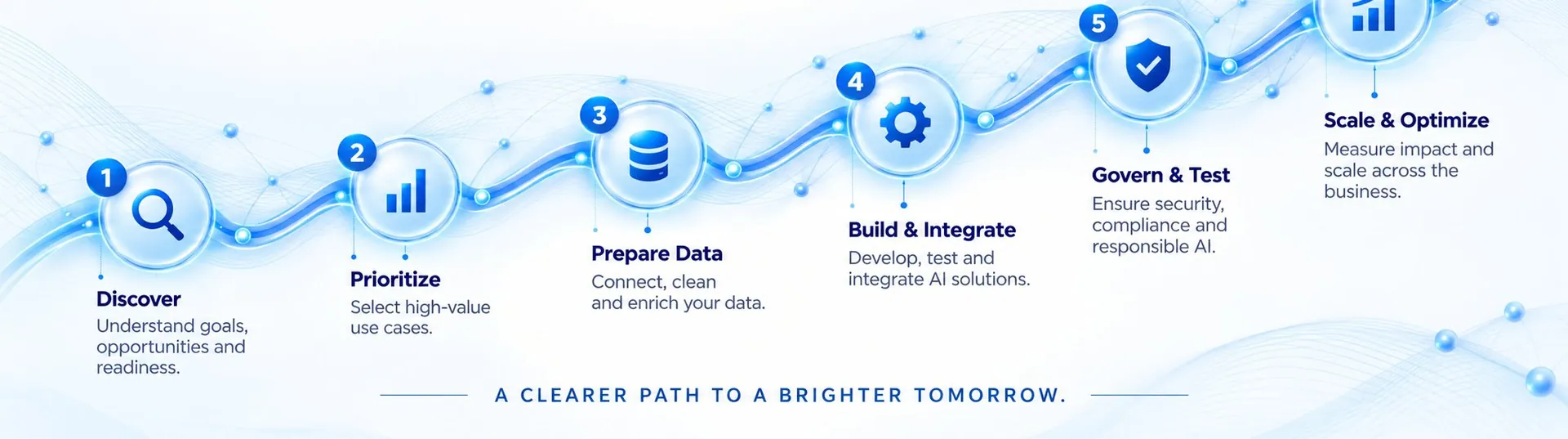
Microsoft has ended the twice-yearly release wave model for Dynamics 365, Power Platform and Dataverse. On 25 August 2026 it announced that there would be no 2026 Release Wave 2. New capabilities now appear on a single, always-on roadmap called the AI at Work roadmap (the renamed Microsoft 365 Roadmap) as soon as they are committed. For Dynamics 365 customers this means fewer big, predictable release events and more continuous change, so your process for tracking, testing and adopting new features needs to change too.
What changed and the key dates
- Before: release plans were published around mid-July for Wave 2, with features rolling out from October to March.
- 25 August 2026: Microsoft announced the end of release waves for Dynamics 365, Power Platform and Dataverse.
- From September 2026: new capabilities appear on the AI at Work roadmap, and new release plans stop being published on Microsoft Learn.
- September to November 2026: existing items with preview or general availability dates from 1 June 2026 onwards move to the new roadmap.
- By 15 November 2026: the Release Planner site is retired.
Where to find information now
- AI at Work roadmap: one view that covers Dynamics 365, Power Platform, Microsoft 365 and Copilot. You can filter by product, export to CSV, share filtered links and subscribe by RSS.
- Message Center: still the place for notifications about changes in your own tenant.
- Microsoft Learn: still the home of product documentation.
Why this matters for Dynamics 365 customers
Release waves gave teams a calendar: read the plan, test in a sandbox during early access, then go live. Continuous delivery is faster, especially for Copilot and agent features, but it is easier to miss a change that affects a business process or an integration. Teams with many customisations, plugins or Power Automate flows need a lighter, more frequent review routine.
A simple governance routine
- Name an owner for each Dynamics 365 app you use, such as Sales, Customer Service or Business Central.
- Review the filtered roadmap and Message Center every month and tag items as adopt, watch or ignore.
- Keep a sandbox environment current and test items tagged adopt against your key processes and integrations.
- Maintain a short regression test list: lead to opportunity, quote to order, case creation, invoicing and your main integrations.
- Communicate changes to users in plain language before they see them.
- Review security roles when new Copilot or agent features appear, because AI features act within user permissions.
What about Copilot and agents?
Microsoft continues to add Copilot and agent capabilities across Dynamics 365 and Microsoft 365, and the move to one roadmap reflects that. Treat each new AI feature like any other change: check licensing and availability for your region, test it with real data in a sandbox, and roll it out to one team first. Check the vendor's current pricing and licensing guidance before you plan.
Frequently asked questions
Is there a Dynamics 365 2026 Release Wave 2?
No. Microsoft announced on 25 August 2026 that it was ending the twice-yearly release wave model, and there is no 2026 Release Wave 2 plan.
What is the AI at Work roadmap?
It is Microsoft's single, always-on roadmap, the renamed Microsoft 365 Roadmap, which now includes Dynamics 365, Power Platform, Microsoft 365 and Copilot items.
When does the Release Planner close?
Microsoft said the Release Planner site would be retired by 15 November 2026.
How should we test new Dynamics 365 features now?
Review the roadmap and Message Center monthly, keep a current sandbox, and run a short regression test of your key processes and integrations before enabling new features.
How Quant Tech can help
Quant Tech implements and supports Microsoft Dynamics 365 and Power Platform. We can set up a monthly change review, maintain your sandbox and regression tests, and help you adopt Copilot features safely. Talk to our Microsoft team.
Talk to a Salesforce, HubSpot or Zoho expert—free 30-minute consultation.