
AI Data Security for CRM: How to Protect Customer Data When You Use AI Agents
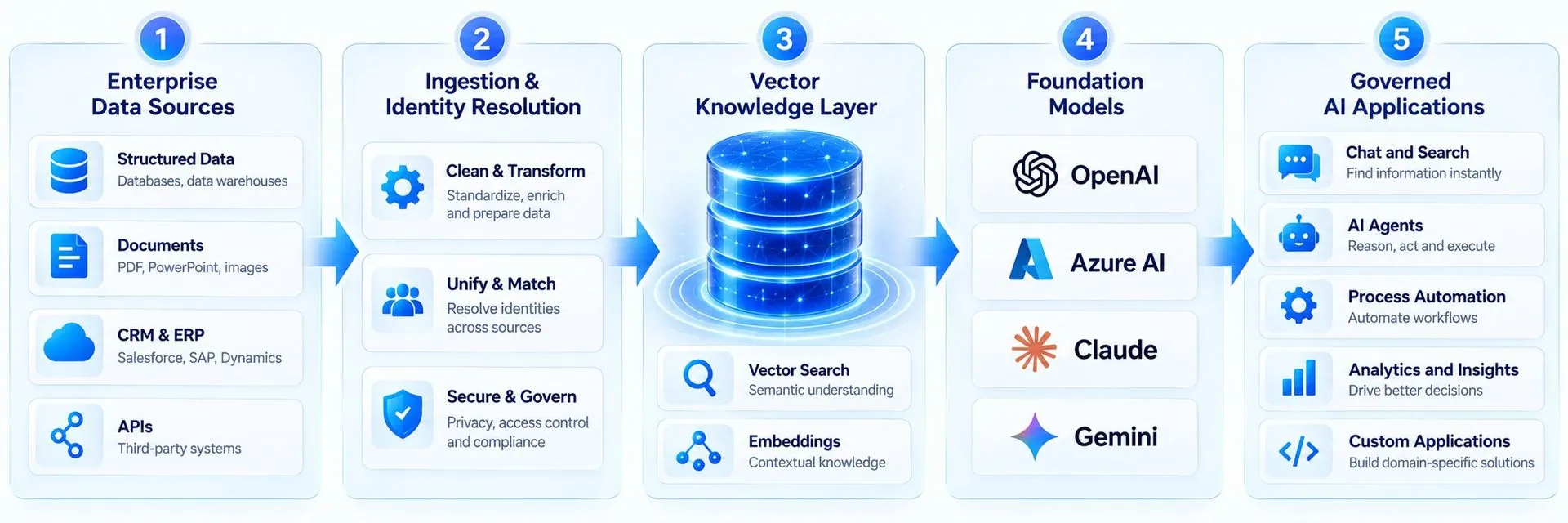
AI agents and assistants are now built into Salesforce, Zoho and HubSpot, and they work directly with your customer data. That makes them useful, and it also makes them a new security risk. The main dangers are not science fiction: an agent with too many permissions, a staff member pasting customer lists into a public chatbot, or a malicious message that tricks an agent into revealing data. The good news is that most risks are controlled with the same basics that protect your CRM today: least-privilege access, clean data, clear rules and monitoring. This guide explains the risks and gives you a practical checklist.
The main AI risks for CRM data
The OWASP Top 10 for Large Language Model Applications (2025) is a widely used list of AI security risks. These are the ones that matter most for CRM teams:
- Prompt injection: text in an email, web form, chat or document that tries to override the agent's instructions, for example asking it to reveal other customers' details.
- Sensitive information disclosure: the agent shares personal or confidential data with someone who should not see it.
- Excessive agency: the agent has more permissions or tools than it needs, such as delete or mass-update rights.
- Improper output handling: AI output is passed into emails, records or other systems without checks.
- Misinformation: the agent gives confident but wrong answers, for example about prices, contracts or policies.
- Supply chain: third-party apps, plug-ins or connectors with weak security that touch your CRM data.
Shadow AI: the risk most companies miss
Many data leaks do not come from the CRM's own AI at all. They come from staff copying customer lists, deal notes or support tickets into personal AI tools to save time. Give people an approved, secure AI option and a simple written policy, so they do not need to work around you.
What the CRM vendors provide
- Salesforce: the Einstein Trust Layer grounds answers in your own data, masks personal data such as phone numbers before prompts reach the model, applies zero data retention agreements with model providers, scores responses for toxicity, flags prompt injection attempts and keeps an audit trail.
- Zoho: Zia runs on Zoho's own large language models, and Zoho says customers can use its AI while keeping data on Zoho's servers rather than sending it to outside AI providers. Agents respect existing user permissions.
- HubSpot: Breeze features work within your portal and user permissions, reading from your CRM and business context. Review HubSpot's AI settings and data processing terms for your account.
These controls help, but they do not replace your own configuration. An agent that is allowed to read every record will still read every record.
A practical AI security checklist for your CRM
- Create a dedicated user or profile for each agent with least-privilege access to objects and fields.
- Remove delete, export and mass-update rights from agents unless there is a clear reason.
- Hide sensitive fields, such as ID numbers, bank details or health information, from AI features entirely.
- Require human approval for actions that affect money, contracts or many records.
- Treat all customer-supplied text (emails, chats, form fields) as untrusted input that may contain instructions.
- Turn on audit logs and review a sample of agent conversations every week after launch.
- Review every connected app and AI plug-in, and remove those you no longer use.
- Write a short AI use policy for staff and offer an approved AI tool.
- Include AI incidents in your breach response plan, including legal reporting duties such as India's DPDP rules.
Testing your agents before launch
- Ask the agent for data it should not share, such as another customer's details.
- Hide instructions inside a test email or form submission and check the agent ignores them.
- Try actions outside its job, such as deleting records or changing prices.
- Check every handover to a person works and is logged.
Frequently asked questions
What is prompt injection in a CRM?
Prompt injection is when text from an email, chat, form or document contains hidden instructions that try to make an AI agent ignore its rules, for example to reveal data or take an action it should not.
Does Salesforce use my data to train AI models?
Salesforce says that under its zero data retention agreements, prompts and customer data sent through the Einstein Trust Layer are not retained by outside model providers or used to train their models.
Does Zoho send CRM data to OpenAI?
Zoho says its Zia features use Zoho's own models and that customers can keep data on Zoho servers. If you enable optional third-party AI integrations, check what data they send.
What is the most important AI security control?
Least-privilege access. Give each agent only the objects, fields and actions it needs, and require human approval for high-impact actions.
How Quant Tech can help
Quant Tech designs and reviews AI setups in Salesforce, Zoho and HubSpot with security first: agent permissions, field-level protection, testing for prompt injection, audit logging and staff policies. Talk to us before you switch on your next AI agent.
Talk to a Salesforce, HubSpot or Zoho expert—free 30-minute consultation.